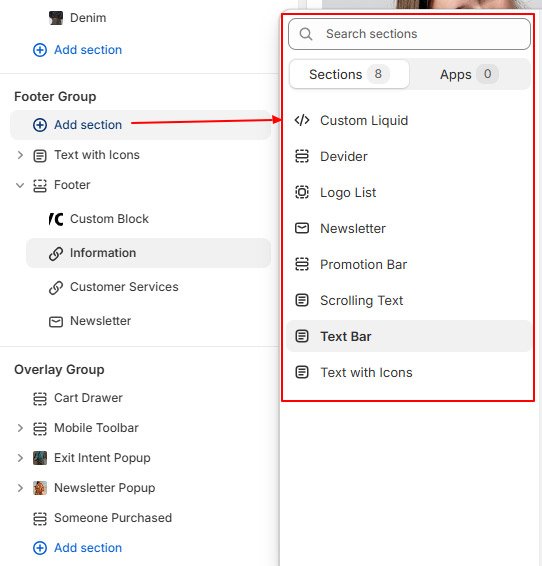
The sections within the Footer group can be accessed from every page. Footer group’s sections appears at bottom of the store.
You can set numerous footer looks with flexible footer block options. These footer blocks can be rearranged, added, or removed as needed, giving you the freedom to showcase essential information such as contact details, social media links, navigation menus, and legal disclaimers in a layout that best suits your needs.
- In the theme editor, Home Page -> Footer Group -> Footer
- Click on to section to customize style
- Click on block to edit text
- Mouse hover within section to add more blocks and click save
You need to focus on footer block width while you add any new block in footer to arrange in one line. Total block width must not be greater than 100%. See below screenshot
There are total eight available blocks to build footer for your online store. Preview different footer style on live demos


There are few more sections available to add to the footer section that will display above the footer on all pages of your store.