Revone theme layout settings allow you to control the overall structure of your store, including page width, spacing, and content alignment. In Shopify, these settings help you create a clean, responsive layout that improves user experience and supports better SEO performance across your store.
In the theme editor, click Theme settings -> Layout
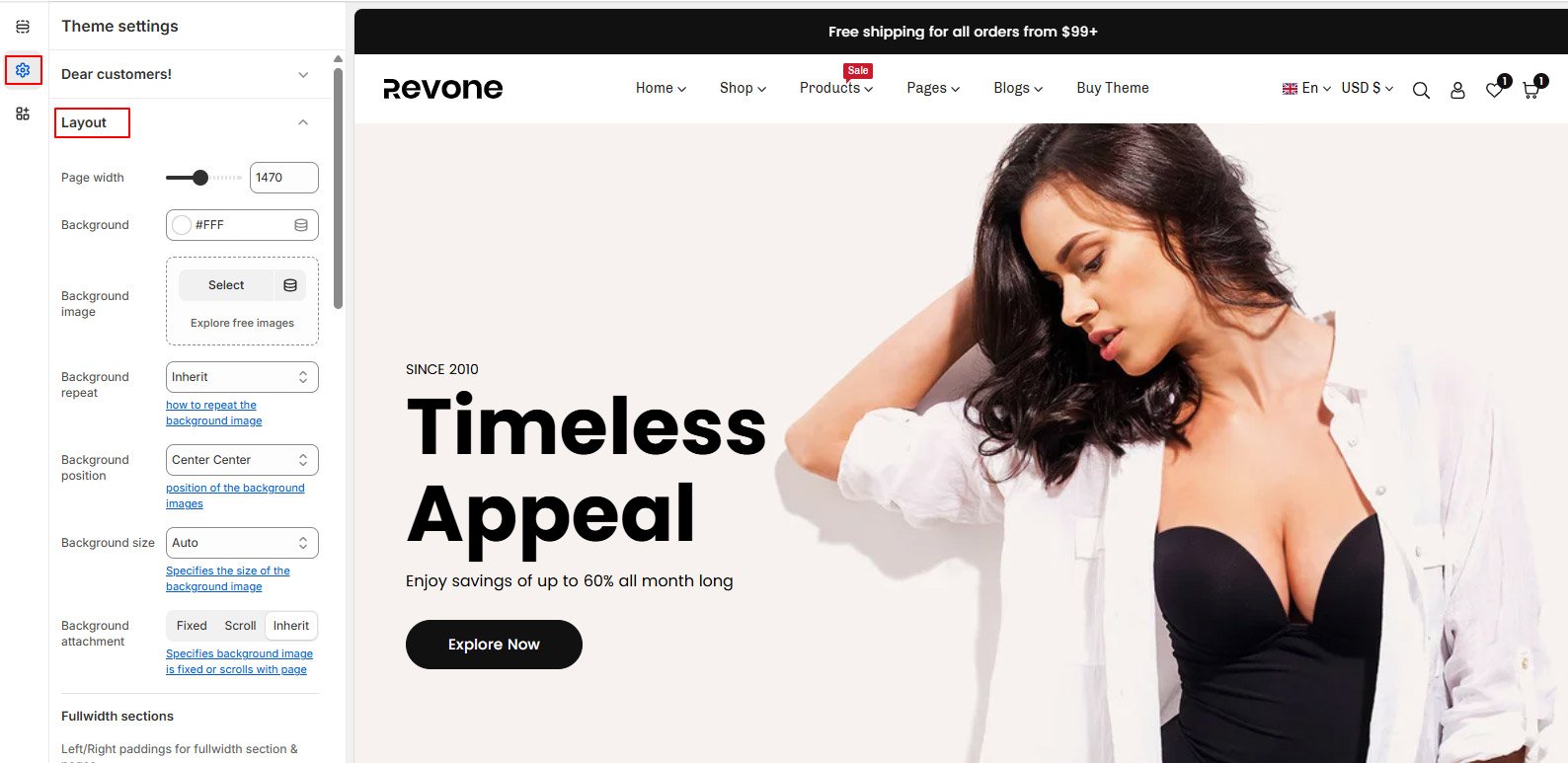
Page width #
Set the width for your layout, as all content will be limited to the maximum width you set here. However, if you choose the fullwidth option for any section/page, that particular section/page will extend to fullwidth.
Body Background: Set body background color or background image(optional). Set background image options like position, size, attachment etc.
Fullwidth sections #
Adjust the left and right padding for Desktop, iPad, and Mobile. This padding applies to all fullwidth sections. If you prefer a fullwidth section without any left or right padding, simply enable the “No Padding” option from that specific section.
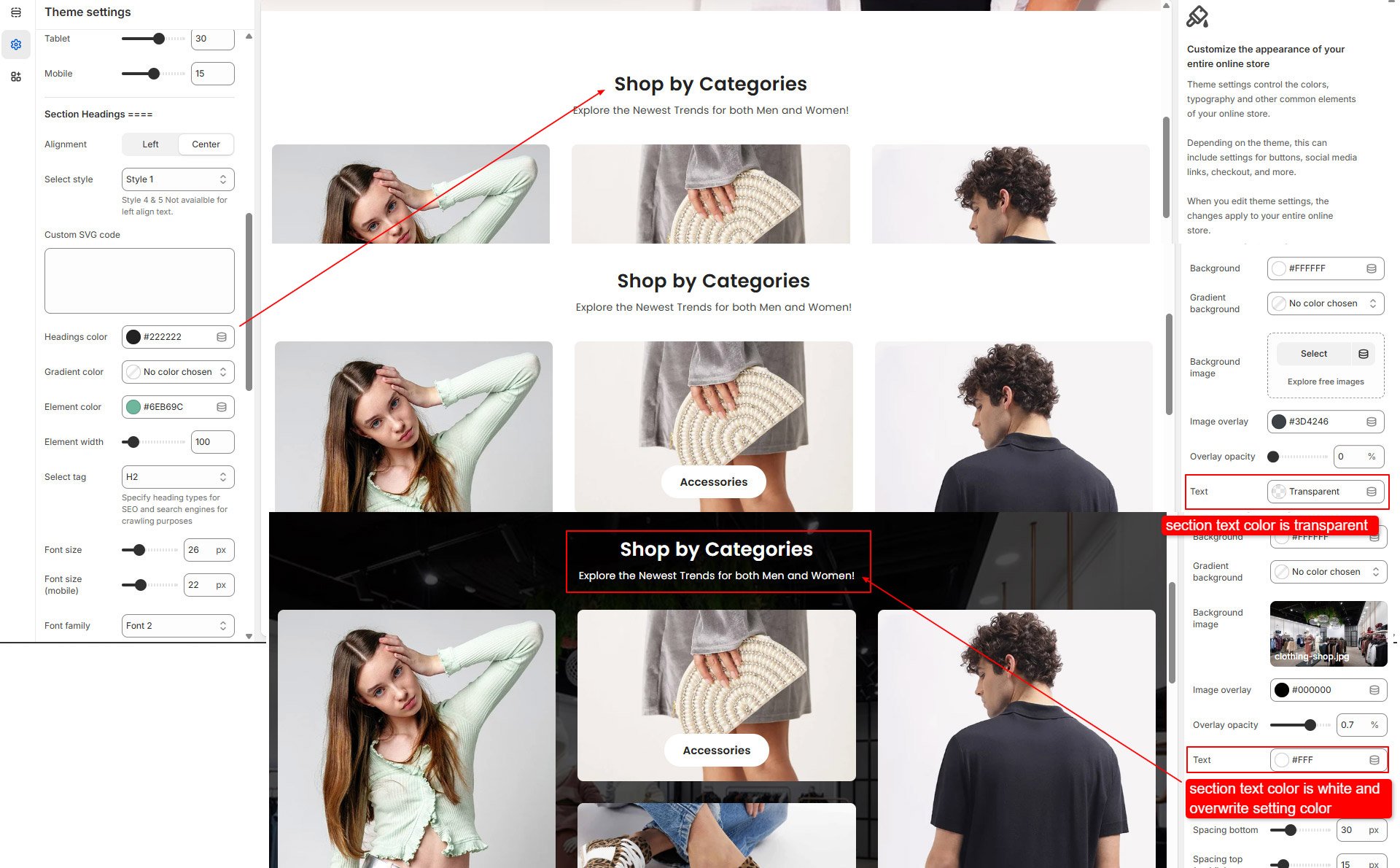
Section headings #
You can see heading and sub heading on top when you add sections on home or inner pages.
Set these headings and sub headings style from here. Choose heading style, set alignment, font size and colors options from here. Heading colors can be overwrite by individual section text color.