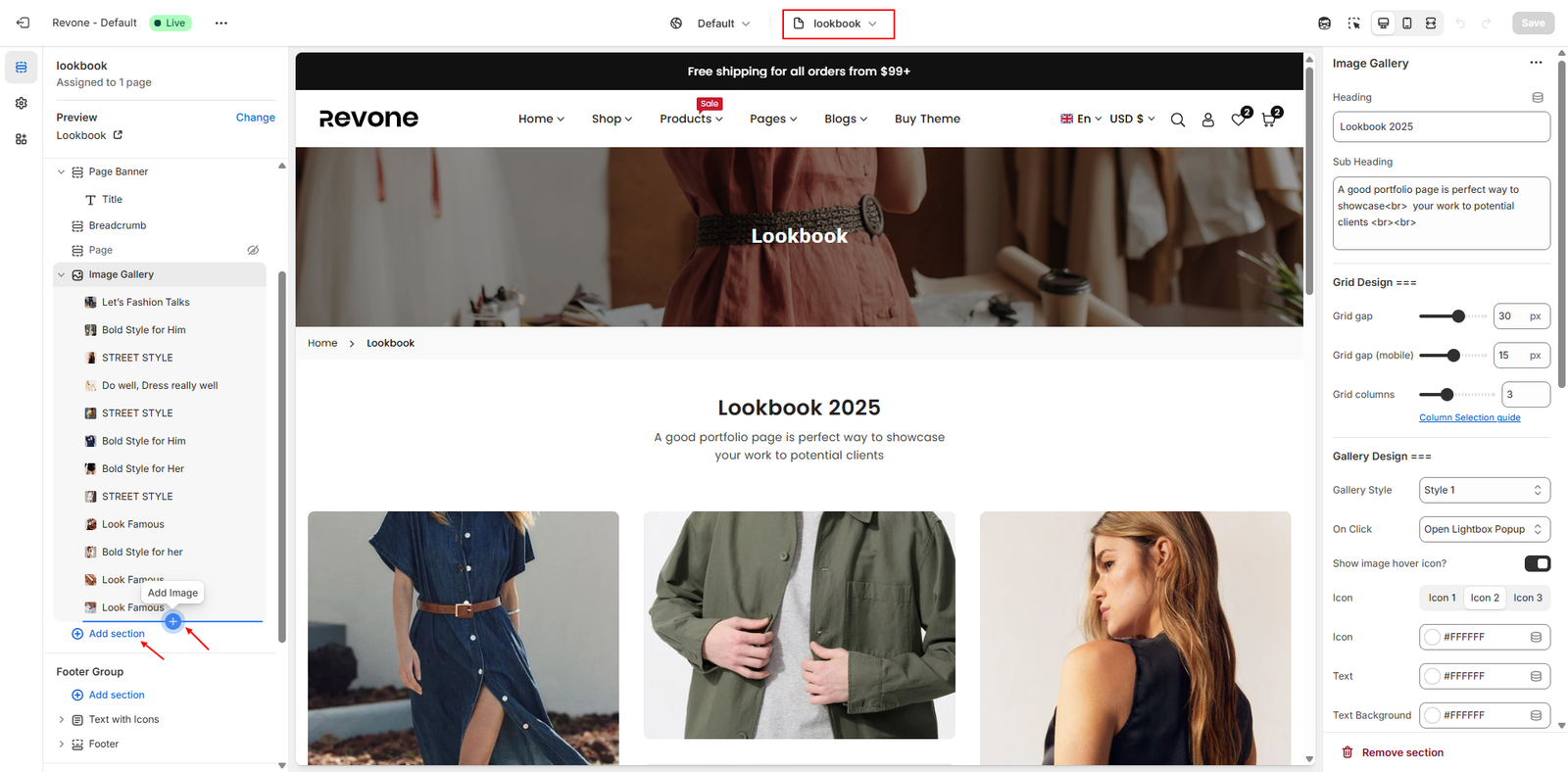
A lookbook page is a beautifully designed visual catalog that highlights a range of products featured in different outfits. It serves as a storytelling tool, reflecting the brand’s style and inspiring customers with fresh ideas.
Step 1 :
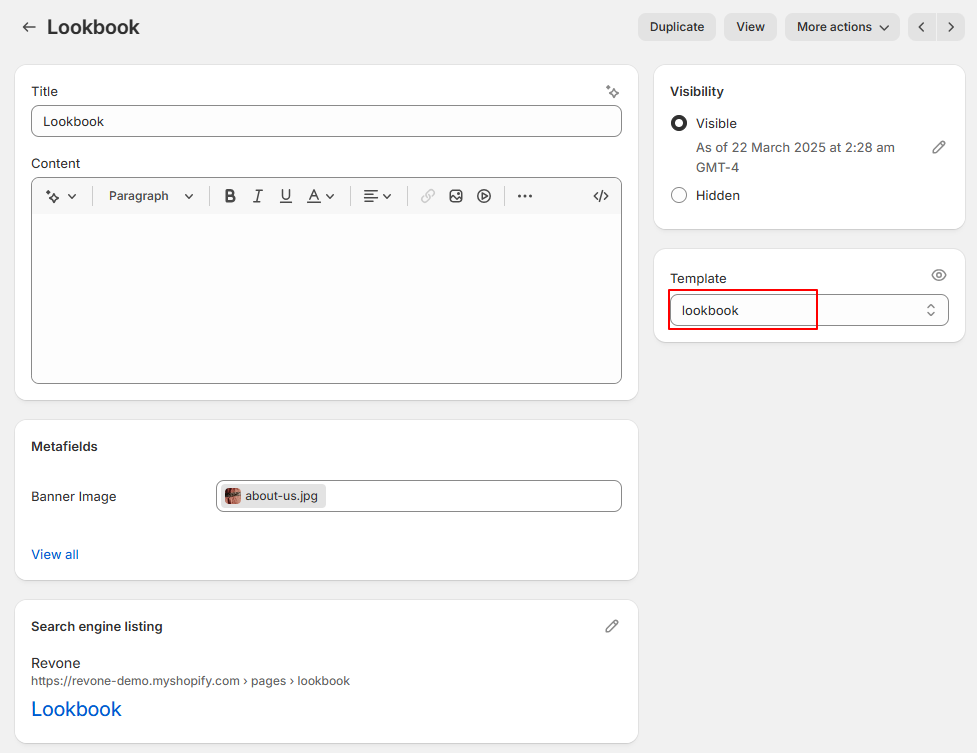
- From your store admin, go to Online Store -> Pages -> Click Add page
- Enter page title then select lookbook template.
- Click Save.
Step 2 :
Configure lookbok page from theme editor.
- In the theme editor, Select Pages -> lookbook from top dropdown menu.
- You can see different sections on this page including page banner,
- Click on Image Gallery sections to edit OR Add new section
- Make necessary change and click Save