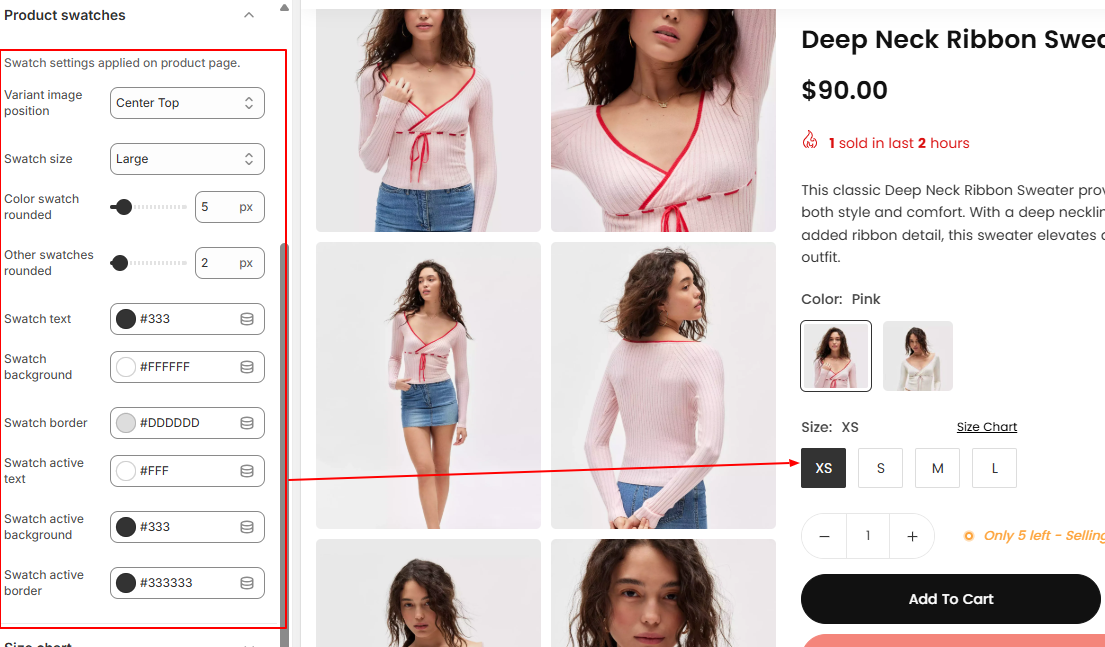
Settings for product swatch on product detail page. Select swatch style from Product Main -> Variant Picker
Please make sure that you set variants for your products in order to display product swatches on your store.
From Shopify admin > Products > Select product to add variants > Scroll down to Variants > Click ➕Icon to Add Variants and add color, size, etc as your products suit.

Configure the swatch’s background, text, border, active swatch colors, border radius, and other settings as specified.